
Network Audio Remote2.3.1 - App Store
You'll be able to see results in few seconds.
Publisher Description
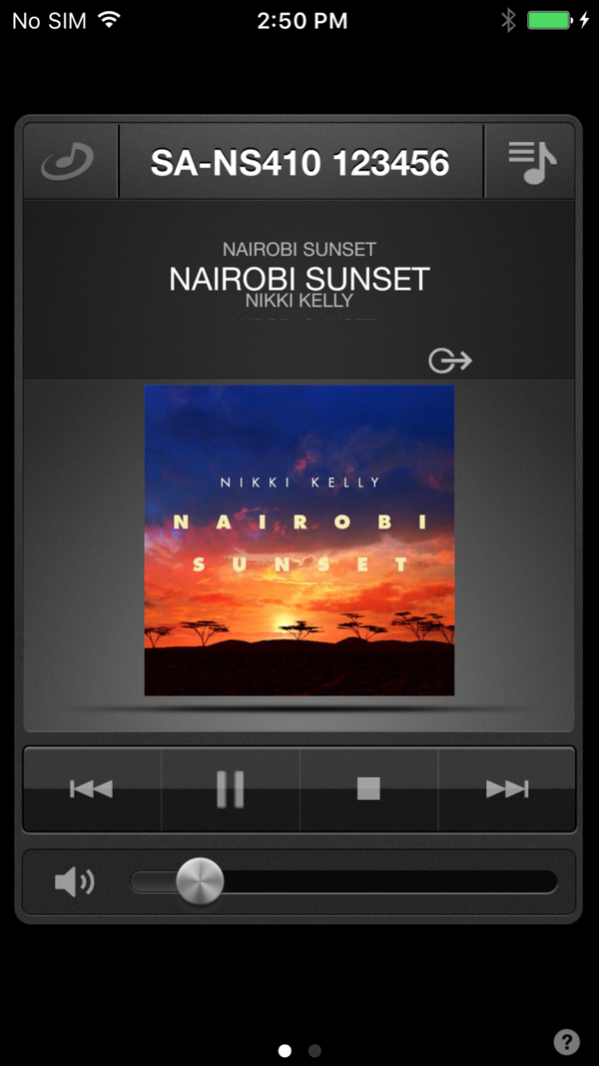
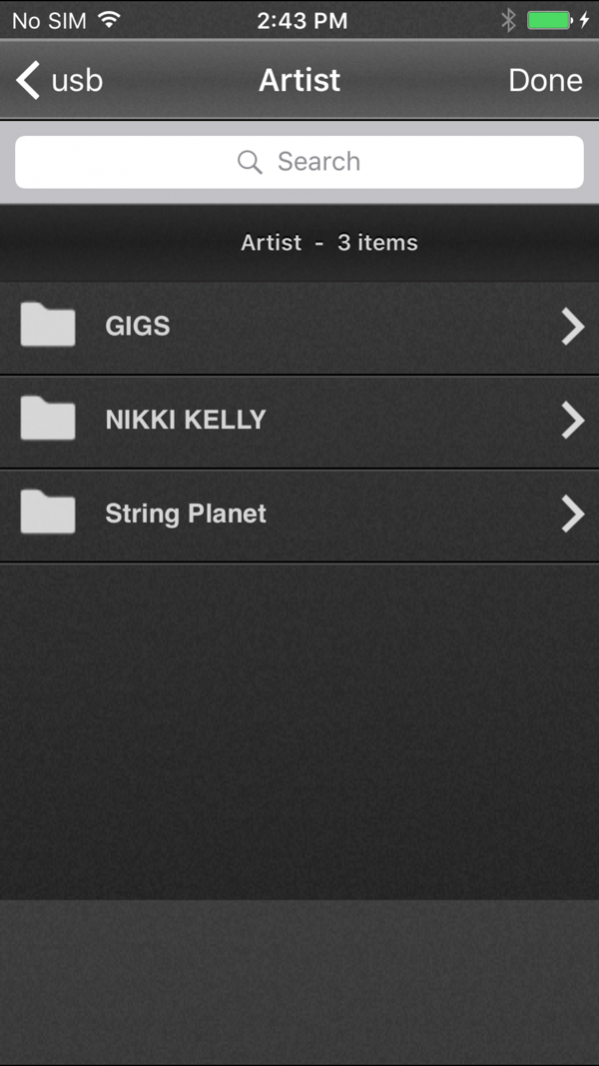
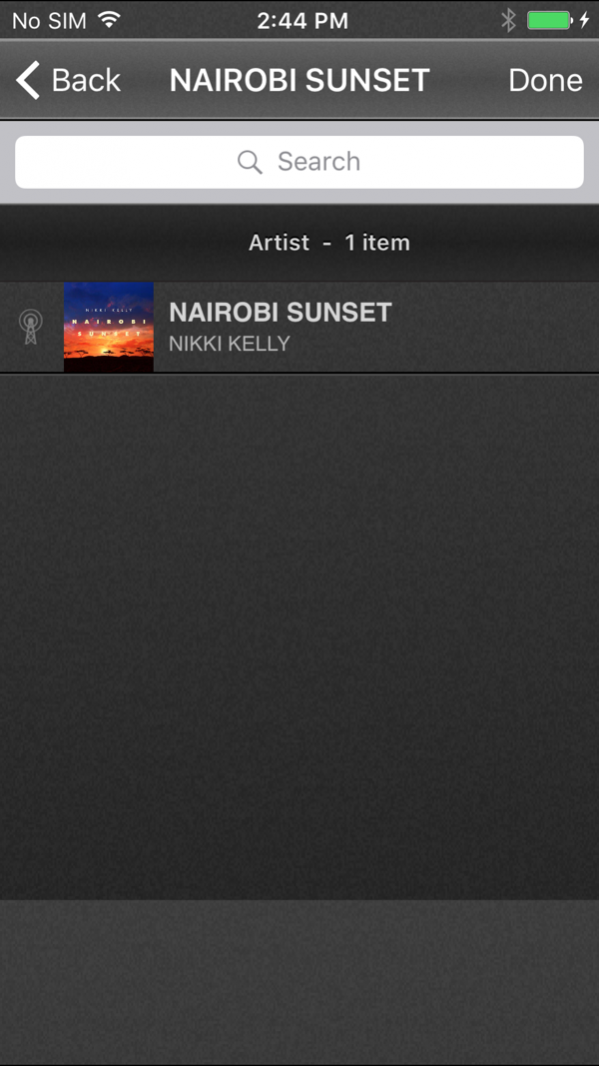
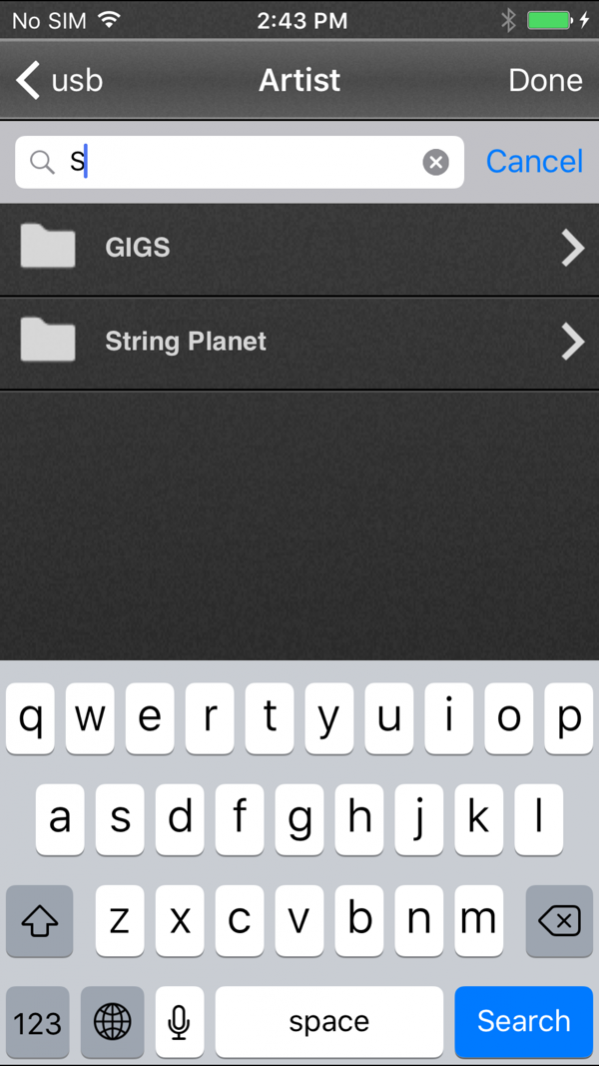
Turn your iPad, iPhone or iPod touch into a music controller for Sony's "HomeShare"(*) products.
Access your personal music collection and play it on Sony's network audio products located anywhere in your home, wirelessly.
Each Sony network audio product can playback a separate song and be controlled independently. Or when enjoying Sony "HomeShare" products throughout your home, you can synchronize music playback with "Party Streaming".
* "HomeShare" is marketing name of Sony Network Audio products. This name may not be used in some regions/countries.
Key Features:
-Select from one or more speakers to enjoy your music on.
-Play the same song in every room or different songs in every room.
-Access music by browsing or searching music folders stored on your computer or NAS drive.
-Create a list of favorite songs from music stored on your computer or NAS drive.
-Create, edit and save multiple playlists of music stored on your computer or NAS drive
-Browse Internet music services and thousands of Internet radio stations. (*)
*This feature works with NAS-SV20i/SV20Di, NAC-SV10i, and SA-NS310/NS410/NS510
-Use playback controls to control Play, Pause, Stop, Skip, Shuffle, Repeat and Volume
-View album artwork and song information during Playback
-Using Party Streaming, start and stop synchronized playback of music among multiple Sony Network Audio products, and control the volume of each speaker as a group or individually.
This "Network Audio Remote" is for use with the following Sony network audio products:
Network Speaker
SA-NS300/NS400/NS500/NS310/NS410/NS510
Network Audio System/Server
NAS-SV20i/SV20Di
NAC-SV10i
Blu-ray Disc/DVD Home Theatre System
BDV-E370/E670W/BE870/E970W/IZ1000W/F500/F700/E470/E570/E770W/HZ970W/T57/F7/E580/E780W/E880/E980W/L600/T58
BDV-N995W/N990W/N890W/N790W//T79/T/39/N590/E690/E490/E390/E385/E290/E190/NF720/NF620/EF420/EF220
BDV-N7100WL/N8100W/N9100W/N7100WL/N9100WL/E2100/E3100/E4100/E5100/E6100
Micro HI-FI Component System
CMT-MX700Ni/MX750Ni
CMT-G2NiP/G2BNiP
AV Receiver
STR-DN1020,STR-DN1030,STR-DN1040,STR-DN840
Network Media Player
SMP-N100/N200
Products may not be available in all regions.
Some products need a firmware update to add "Party Streaming" function.
Dec 6, 2017 Version 2.3.1
This app has been updated by Apple to display the Apple Watch app icon.
Improving on the quality of operation.
About Network Audio Remote
The company that develops Network Audio Remote is Sony Home Entertainment & Sound Products Inc.. The latest version released by its developer is 2.3.1.
To install Network Audio Remote on your iOS device, just click the green Continue To App button above to start the installation process. The app is listed on our website since 2017-12-06 and was downloaded 0 times. We have already checked if the download link is safe, however for your own protection we recommend that you scan the downloaded app with your antivirus. Your antivirus may detect the Network Audio Remote as malware if the download link is broken.
How to install Network Audio Remote on your iOS device:
- Click on the Continue To App button on our website. This will redirect you to the App Store.
- Once the Network Audio Remote is shown in the iTunes listing of your iOS device, you can start its download and installation. Tap on the GET button to the right of the app to start downloading it.
- If you are not logged-in the iOS appstore app, you'll be prompted for your your Apple ID and/or password.
- After Network Audio Remote is downloaded, you'll see an INSTALL button to the right. Tap on it to start the actual installation of the iOS app.
- Once installation is finished you can tap on the OPEN button to start it. Its icon will also be added to your device home screen.
Program Details
General
System requirements
Download information
Pricing
Version History
version 2.3.1
posted on 2017-12-06
Dec 6, 2017 Version 2.3.1
This app has been updated by Apple to display the Apple Watch app icon.
Improving on the quality of operation.
version 2.3.1
posted on 2017-12-06
Dec 6, 2017 Version 2.3.1
This app has been updated by Apple to use the latest Apple signing certificate.
Improving on the quality of operation.
version 2.3.1
posted on 2017-12-06
Dec 6, 2017 Version 2.3.1
Improving on the quality of operation.
version 2.2.2
posted on 2011-01-05
Disclaimer
Official App Store Link
We do not host Network Audio Remote on our servers. We did not scan it for viruses, adware, spyware or other type of malware. This app is hosted by Apple and passed their terms and conditions to be listed there. We recommend caution when installing it.
The App Store link for Network Audio Remote is provided to you by apps112.com without any warranties, representations or guarantees of any kind, so access it at your own risk.
If you have questions regarding this particular app contact the publisher directly. For questions about the functionalities of apps112.com contact us.
